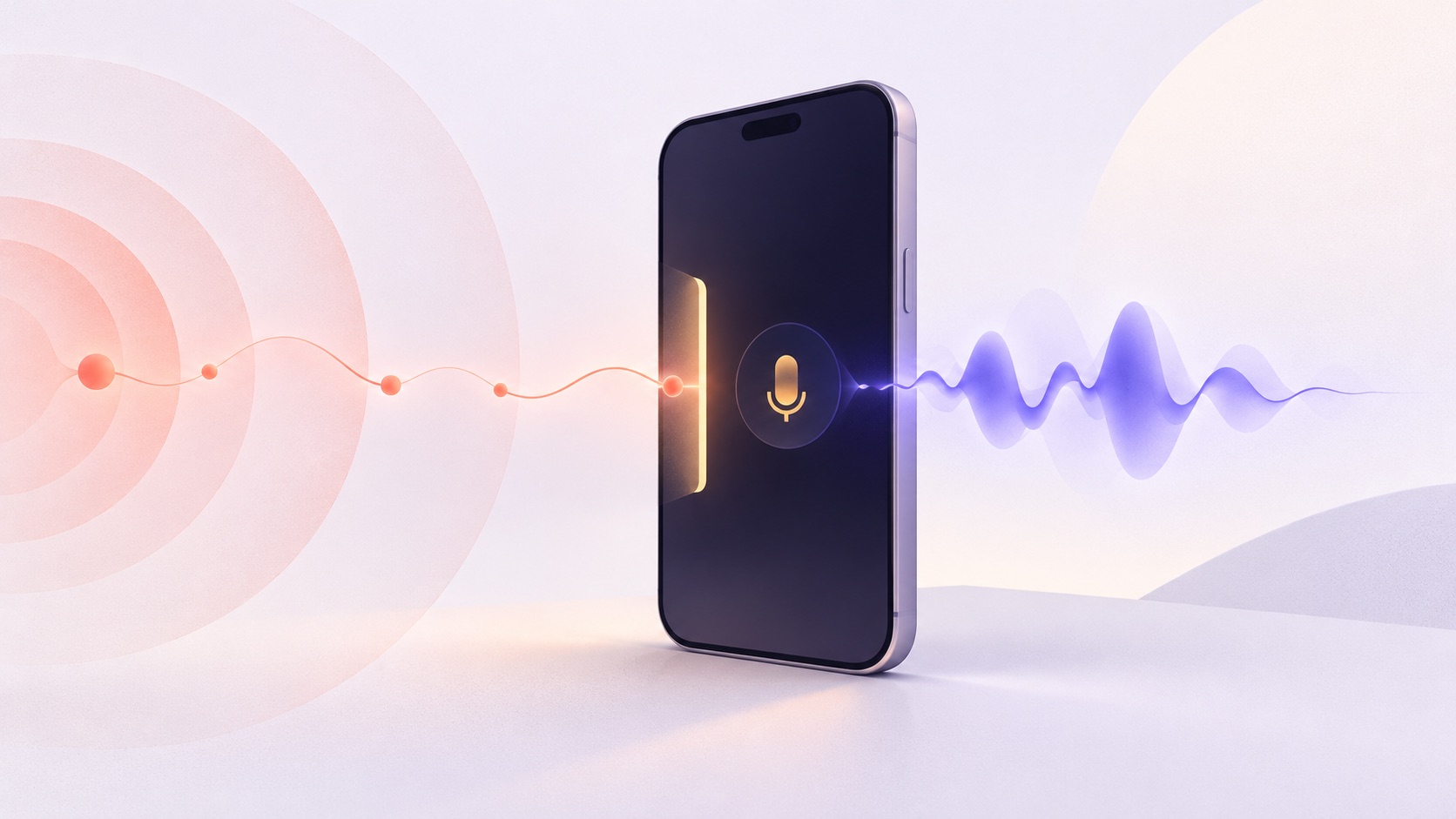
A wake word sounds like one feature: listen for a phrase, then open a conversation. In a React Native app, that second step is where the integration gets interesting. The detector must release the microphone before a voice agent takes it, and the app must start listening again when that session ends or fails. We built react-native-voice-activator for that transition.
The choice became more urgent when Picovoice ended its free tier on 30 June 2026. Its current FAQ describes an enterprise trial and says there are currently no dedicated plans for personal or non-commercial use. If your app uses Porcupine, check your AccessKey and agreement before assuming an old deployment can keep running.
- 01Listen locallyThe detector waits on the device.
- 02Hear the phraseA detection event starts the handoff.
- 03Release the micDetection stops before the agent connects.
- 04Talk to the agentThe voice session owns the mic.
Session ends or fails: start local detection again.
The React Native options
There is no shortage of on-device detection. These are four practical paths, with different amounts of microphone and model work left to the app. This is an integration comparison, not an accuracy ranking. We have not run the same phrase and audio set through all four engines.
- Stay with Porcupine. Picovoice has a React Native SDK and a hosted console for custom keywords. Staying with it means less code churn if you already ship it and a commercial agreement works for you. The SDK still needs a valid AccessKey.
- Use the openWakeWord inference package. react-native-openwakeword runs the detector on iOS and Android, but deliberately leaves audio capture to your app. You supply 16 kHz mono PCM and model files. Pick it when you want to own the capture pipeline and use openWakeWord models.
- Use a package with native capture. react-native-nitro-wakeword captures audio natively, offers an Expo config plugin, and runs openWakeWord classifiers. It also supports multiple keywords and an optional VAD gate. Custom keywords require a trained model file.
- Use a phrase-based mic gate. react-native-voice-activator accepts an English phrase without a separate keyword training step. It captures audio natively and can either hand the mic to your voice agent or run an optional session with your STT, AI, and TTS providers. Its models need a one-time download or an app-bundled copy.
If you already have a recorder and trained openWakeWord models, the inference-only package may be all you need. If you want native capture and control over model training, the Nitro package deserves a look. Our package is aimed at apps that want to start with a phrase, then manage the transition into a voice conversation. That convenience is only useful if its detection works well for your phrase and users.
The microphone handoff
A detector and a WebRTC voice agent both want the microphone. The reliable sequence is to stop wake-word detection, start the agent session, then restart detection on every exit path. A failed connection matters as much as a clean hang-up: without that last step, the app appears idle but no longer hears its wake phrase. Guard against a second detection while the first session is starting, too.

We document that handoff with integration patterns for LiveKit Agents and ElevenLabs Agents. In this mode, those services handle the conversation. Adding our managed STT and TTS session on top would duplicate their work.
When the managed session helps
If your app assembles its own voice stack, a wake-word callback is just the beginning. Someone has to move between listening, transcription, a response from your AI, speech output, and listening again. Our optional session API coordinates that loop and supports barge-in. It needs both an STT and a TTS provider. If your voice agent already owns turn detection and speech, use the simpler mic-gate path.
- 01Wake wordStart a turn.
- 02STTTranscribe speech.
- 03Your AIGenerate a reply.
- 04TTSSpeak the reply.
- 05Listen againWait for the next turn.
LiveKit also publishes an on-device wake-word project with Python, Rust, and Swift clients. That is useful if those are your client platforms. A React Native app still needs a React Native detector and a handoff into its voice session.
What to test before choosing
A feature list cannot tell you how often a particular phrase triggers in a kitchen, a car, or a noisy office. Test on the devices your users carry. Measure missed wake-ups and false triggers with your phrase, then try a cancelled session, a failed connection, and two detections close together. Confirm that the microphone returns to the right owner each time.
Our package currently requires React Native 0.86 or newer and Expo SDK 57 or newer for Expo apps. Expo Go cannot load its native module, so use a development build. Its on-demand model bundle is about 7.8 MB. We have not yet published physical-device detection-rate and false-accept measurements for arbitrary phrases, so test your own phrase before relying on it in production. The documentation covers setup, model preparation, and the session API.